Agent Alerts
See what matters without checking another dashboard.
Your agent sends a short, useful result to a Live Activity on your Lock Screen. It can keep that activity current as work changes, so you can glance at the latest status without a new notification for every update.
Download the iPhone app, then connect ChatGPT, Codex, Claude, or Cursor with your account.
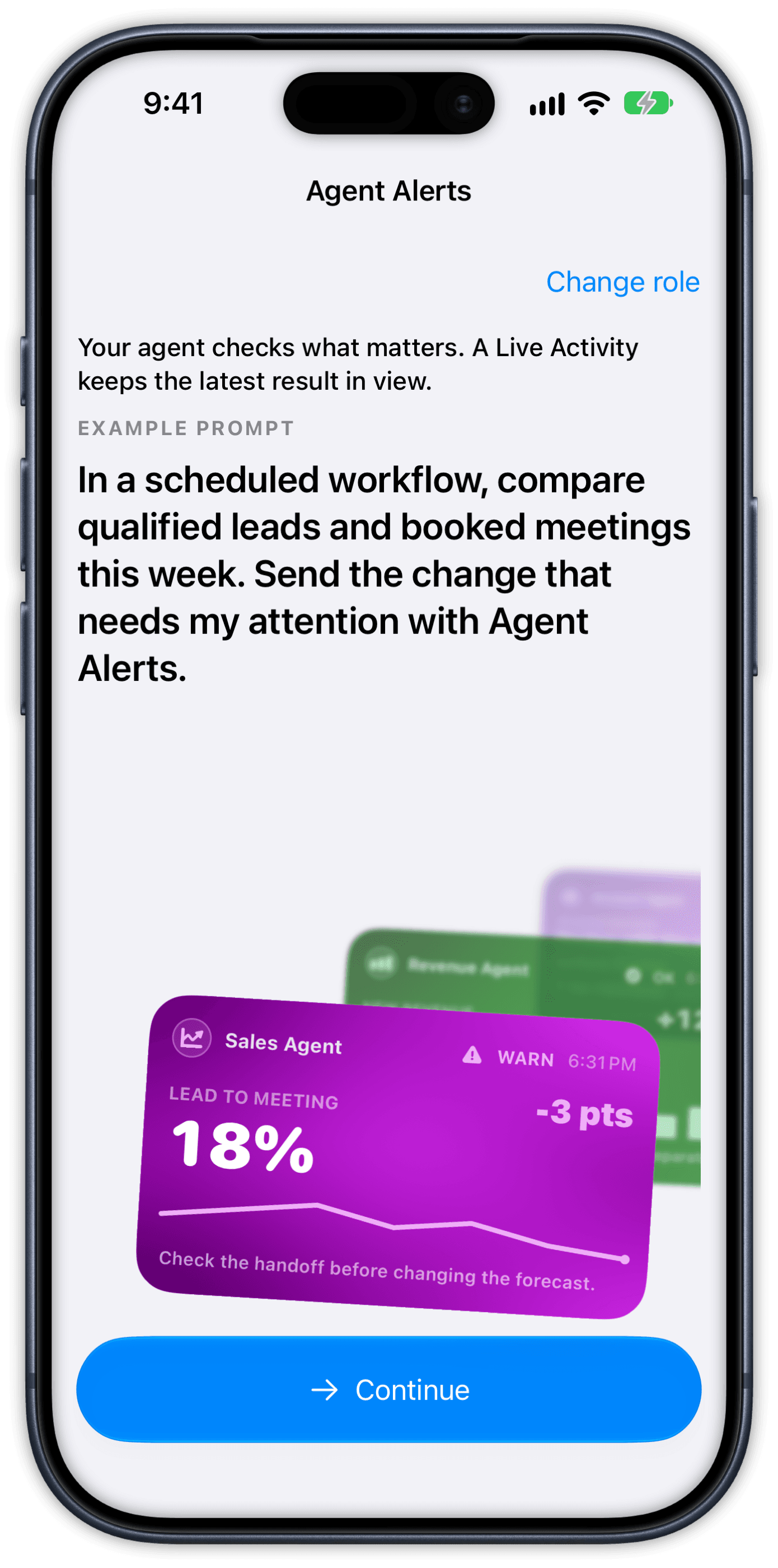
Your agent checks what matters to you.
A Live Activity keeps the latest result in view.Founder
See the business decisions that need you.
See pipeline changes, revenue trends, and customer decisions without checking every dashboard.
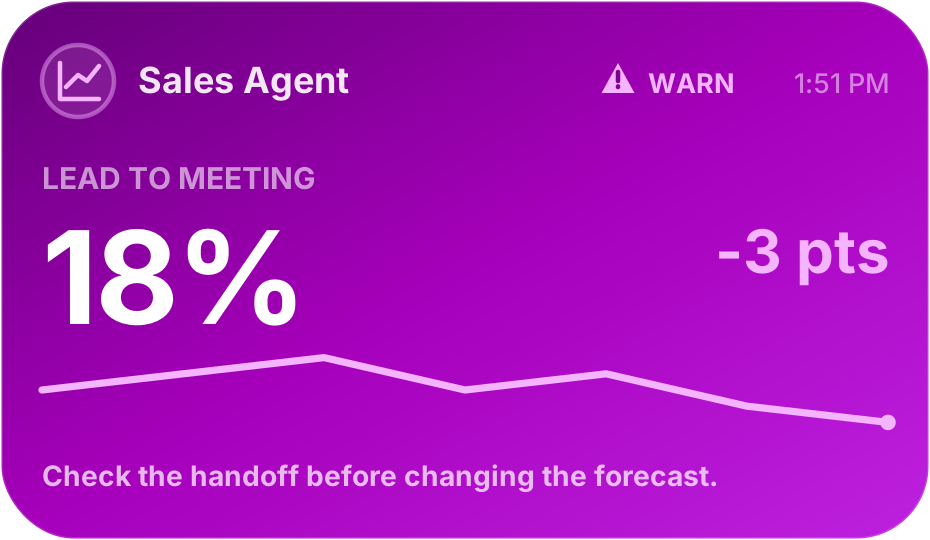
Example: lead-to-meeting conversion fell 3 points to 18%. Review the leads waiting for follow-up. Developer
See when your code or services need you.
See task progress, test results, review requests, and service incidents without checking in.
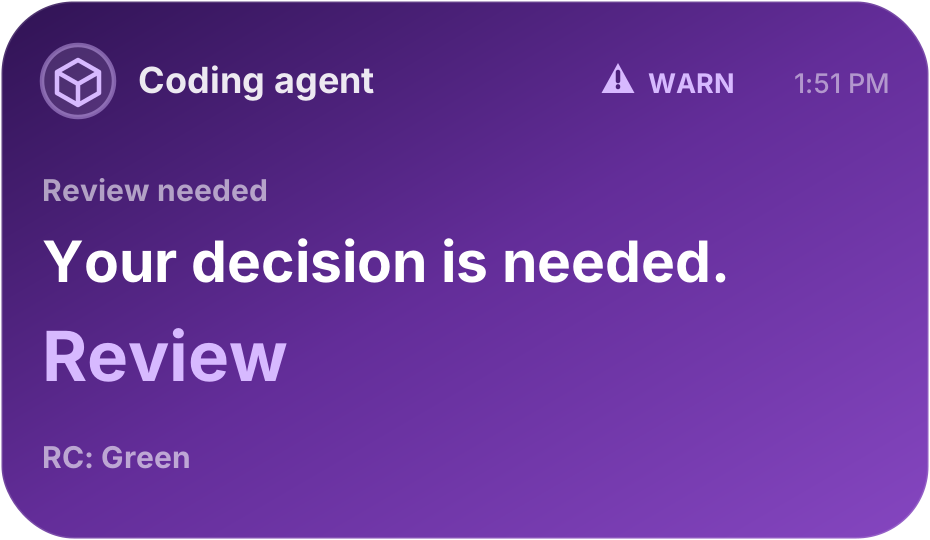
Example: tests passed and the diff is checked. The change is ready for your review. Marketer
See what your posts are doing.
An agent can compare your TikTok posts with Mixpanel results, show a chart, and suggest a next step before you post again.
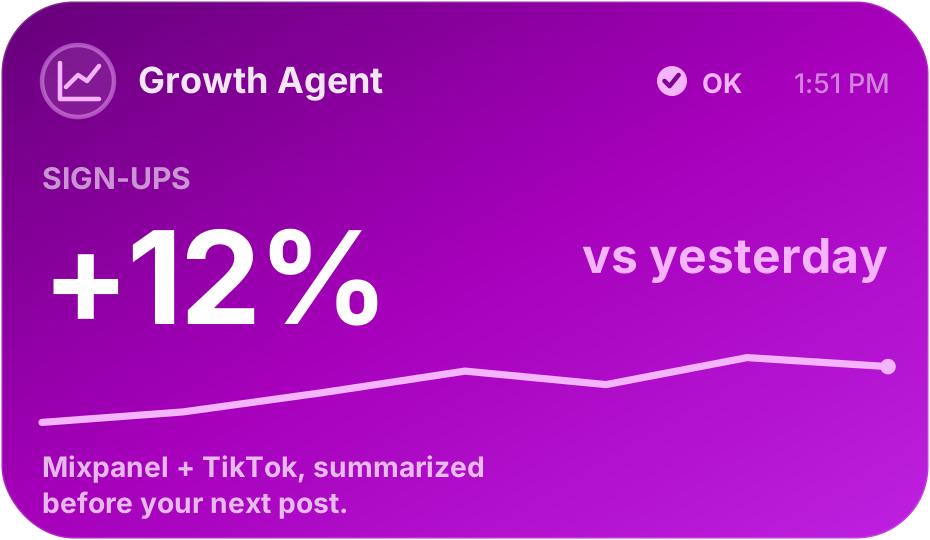
Example: sign-ups rose 12% yesterday, when a TikTok post also went live. Review both before tonight’s post.
From install to first update
Turn agent checks into clear next steps.
Ask an agent with access to your tools to report the changes you care about. It can send a brief, a chart, or a next step. Connecting Agent Alerts alone does not start a check or give it access to your accounts.
- 1
Download Agent Alerts from the App Store and create your account.
- 2
Add the remote MCP to ChatGPT, Codex, Claude, or Cursor.
- 3
Sign in with the same account and approve revocable OAuth access.
- 4
Ask for one test update and confirm it appears on your iPhone.
Need a connection token for a headless MCP server? Create a connection token
Remote MCP instructions for agents: andreas.ink/agent/instructions
In a scheduled workflow, compare qualified leads and booked meetings this week. Send the change that needs my attention with Agent Alerts.
Set up the workflow and data access in your AI client. Your agent does the check; Agent Alerts shows the result it sends.